The Sirnia plugin for ChatGPT is a free AI form builder you can use without leaving a ChatGPT conversation. Describe the form you need in plain language and ChatGPT creates it directly in your Sirnia workspace, no dashboard required. Once you have submissions, ask ChatGPT to analyze, visualize, or summarize the responses in the same conversation.
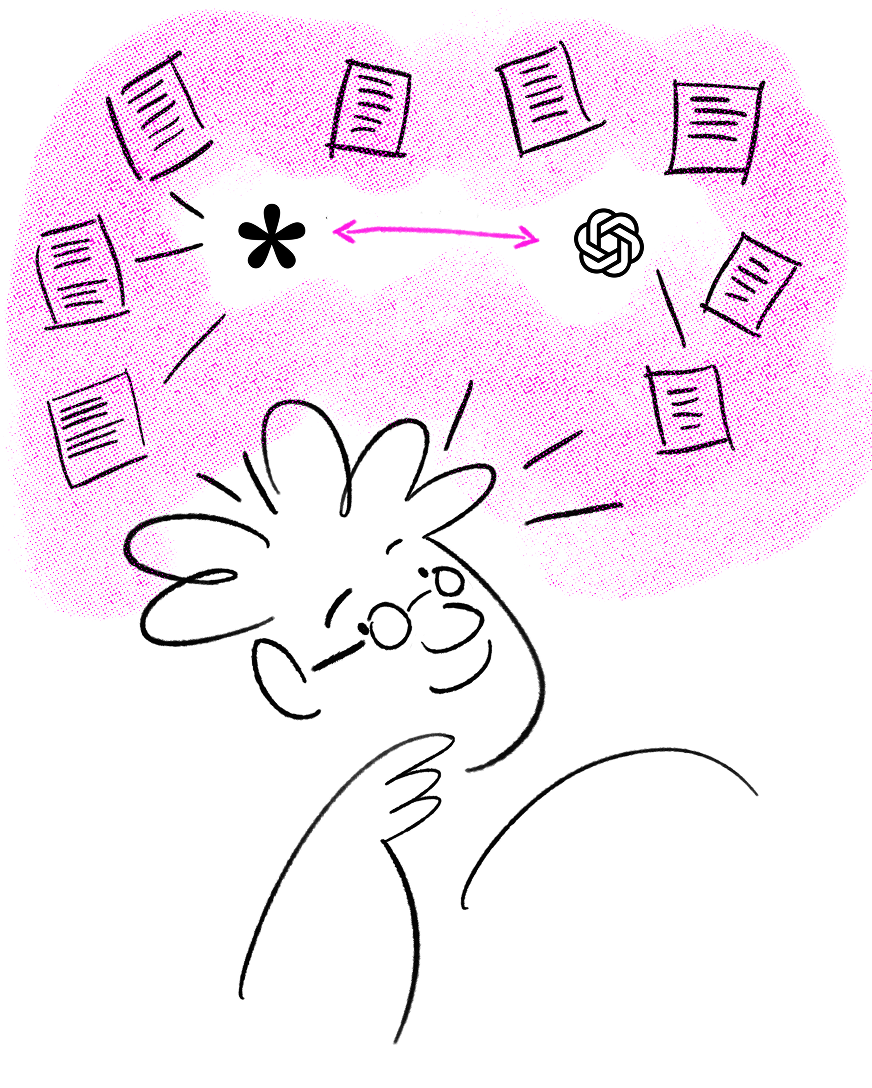

The Sirnia plugin for ChatGPT is available for free to all Sirnia users. You'll need a ChatGPT account to connect.

How to connect ChatGPT to SirniaCreating and editing forms with ChatGPTAnalyzing form submissions with ChatGPTFrequently Asked Questions
How to connect ChatGPT to Sirnia
Open the Sirnia Forms plugin in ChatGPT's Plugins directory and click
Install plugin. You'll be asked to sign in to Sirnia and authorize the connection. Once that's done, Sirnia can create forms from a description, edit existing forms, browse your workspace, and pull submission data for you to analyze, right in the conversation.Do I need a new account to use it? No. You connect with your existing Sirnia account, ChatGPT walks you through a one-time authorization the first time you use it.
- Open ChatGPT: Go to chatgpt.com or open the ChatGPT app.
- Find the Sirnia Forms plugin: Open
Pluginsand search for "Sirnia", "Sirnia Forms." Click on the listing or use this link.

- Install and authorize: Click
Install pluginand sign in to Sirnia and authorize the connection when prompted.

- Start using it: Once it's connected, type
@in the prompt box and select Sirnia to use it in a chat, or use it in any chat where it's enabled.


Using Claude instead of ChatGPT? Sirnia is listed in Claude's connector directory, so setup is just as quick, search for "Sirnia" under
Customize → Connectors and click Connect, no server URL needed. See the Claude Connector guide for more info.Using Cursor or another MCP-compatible client? Those don't have an app directory yet, so you'll add Sirnia manually with the server URL
https://api.sirnia.com/mcp. See the Sirnia MCP server guide for setup instructions.Creating and editing forms with ChatGPT
Once connected, describe the form you need and ChatGPT builds it in your Sirnia workspace, from the questions and logic down to the design.
Prompt examples:
- "Create a bug report form with fields for a short description, severity level, browser, and a screenshot upload."
- "Build a webinar sign-up form with name, email, company, and a checkbox to opt in to a reminder email."
- "Make a candidate application form with a resume upload, LinkedIn URL, and three short-answer questions about availability."

ChatGPT can also edit any form already in your workspace, including its design:
- "Add a file upload field to my job application form."
- "Change the rating scale on my feedback form from 1–5 to 1–10."
- "Reorder my registration form so the email field comes before the name field."
- "Fix my conditional logic."
- "Restyle my event registration form to match my brand based on this screenshot."
- "Give my feedback form a different font and add a cover image."
Analyzing form submissions with ChatGPT
This is where the Sirnia plugin goes beyond form building. Ask ChatGPT to work with your response data directly, no export required.
- Spot trends: "Show me a weekly trend line of signups from my waitlist form over the last month."
- Compare forms: "Compare the completion rate between my two onboarding forms."
- Flag priorities: "Which responses to my bug report form mention crashes? List them with the reporter's email."
- Draft a summary: "Write a two-paragraph summary of this week's feedback responses I can share with the team."

Frequently Asked Questions
What is the Sirnia plugin for ChatGPT?
It's a free connection between Sirnia and ChatGPT, built on the Model Context Protocol (MCP), that lets ChatGPT create, edit, and analyze your Sirnia forms during a conversation.
Is the Sirnia plugin for ChatGPT free?
Yes. The Sirnia plugin is free for all Sirnia users on any plan. Availability of plugins and connectors in ChatGPT itself depends on your ChatGPT plan.
How do I connect Sirnia to ChatGPT?
Open the Sirnia Forms plugin in ChatGPT's Plugin directory, click
Install plugin, then sign in and authorize your Sirnia account. Full steps are in the guide above.Can I just @mention Sirnia in a chat to connect it?
No.
@-mentioning only works for an plugin you've already installed. To connect Sirnia for the first time, open its listing in the Plugin directory and click Install plugin or Connect, after that, you can @mention it in any chat.Can ChatGPT create forms in Sirnia?
Yes. Describe the form you need and ChatGPT builds it in your workspace, including the questions, logic, and design.
Can I edit existing forms with ChatGPT?
Yes. ChatGPT can add or reorder fields, update questions, fix conditional logic, and restyle any form already in your workspace.
Can ChatGPT analyze my form submissions?
Yes. Ask ChatGPT to summarize responses, spot trends, compare forms, or filter submissions — no export needed.
What types of forms can I create with ChatGPT?
Anything you can build in Sirnia: lead gen forms, surveys, registration forms, job applications, order forms, quizzes, and more.
Does ChatGPT store my form data?
No. Your forms and submissions stay in Sirnia. ChatGPT accesses them through the plugin during a conversation but doesn't store them.
Can ChatGPT build a form without connecting the Sirnia plugin?
Not a live one. ChatGPT can draft form questions as plain text on its own, but it can't publish a shareable form. Connecting the Sirnia plugin is what turns that draft into a real, working Sirnia form with a link you can share.
Do I need any technical skills?
No. Everything works through simple prompts. Setup takes a couple of minutes and requires no code.
→ back to Integrations